
← Back to services
Ideas you can explore.
3D product presentations and configurators, directly in the browser. Visitors can rotate an object, choose materials and understand its construction. We start from models, sketches or references and agree on the level of fidelity.
3D · CONFIGURATION · INTERACTIVE
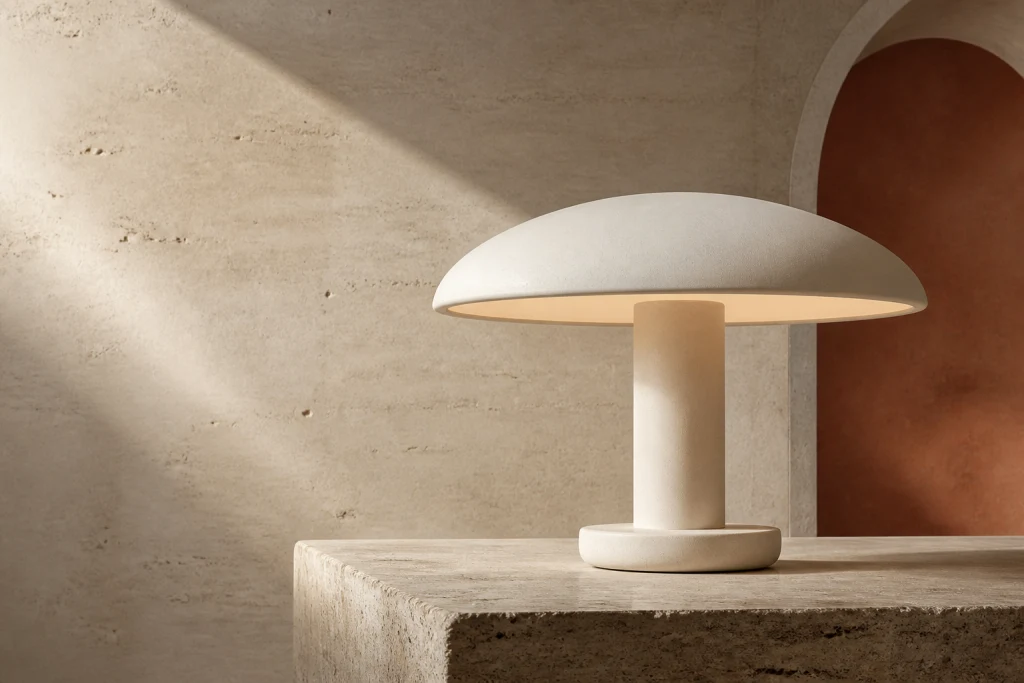
ORACONCEPT STUDY
INTERACTIVE 3D MODELLook. Change. Explore.
ORA demonstrates a product presentation with finishes, lighting and separated components. The model is conceptual. NOD shows a more complex configuration, while AXIS connects a problem to its relevant component.
Drag to rotate · + / − to zoom · arrow keys to navigate
ORA
The same form. A different atmosphere.
Open the model to activate the controls.
Conceptual presentation model. Geometry interpreted from campaign imagery; not manufacturing documentation.
You provide / You receive
Tell us what the visitor should be able to see or do.
- The product, space or idea you want to present
- Any available 3D models, plans, sketches or photographs
- What the visitor should explore, change or try
- Whether the presentation is conceptual or must match reality precisely
A presentation you can open and explore.
- A concept and prototype you can view and approve
- The 3D presentation or interactive experience with the agreed features
- A version checked on the agreed devices, with instructions for use