
AXIS-WS-042Service required
Bucharest · prototyping line
- Service-record health
- 78%
- Next service
- 2026-08-12
Platform does not lift
AXIS / SERVICE TWIN
A QR code opens the equipment record. Identify the component in 3D, follow the checks and prepare a request for the technician with the details already filled in.
Choose a symptom in the demo AXIS INSPECT / 02 · IMESSA concept · 13 3D components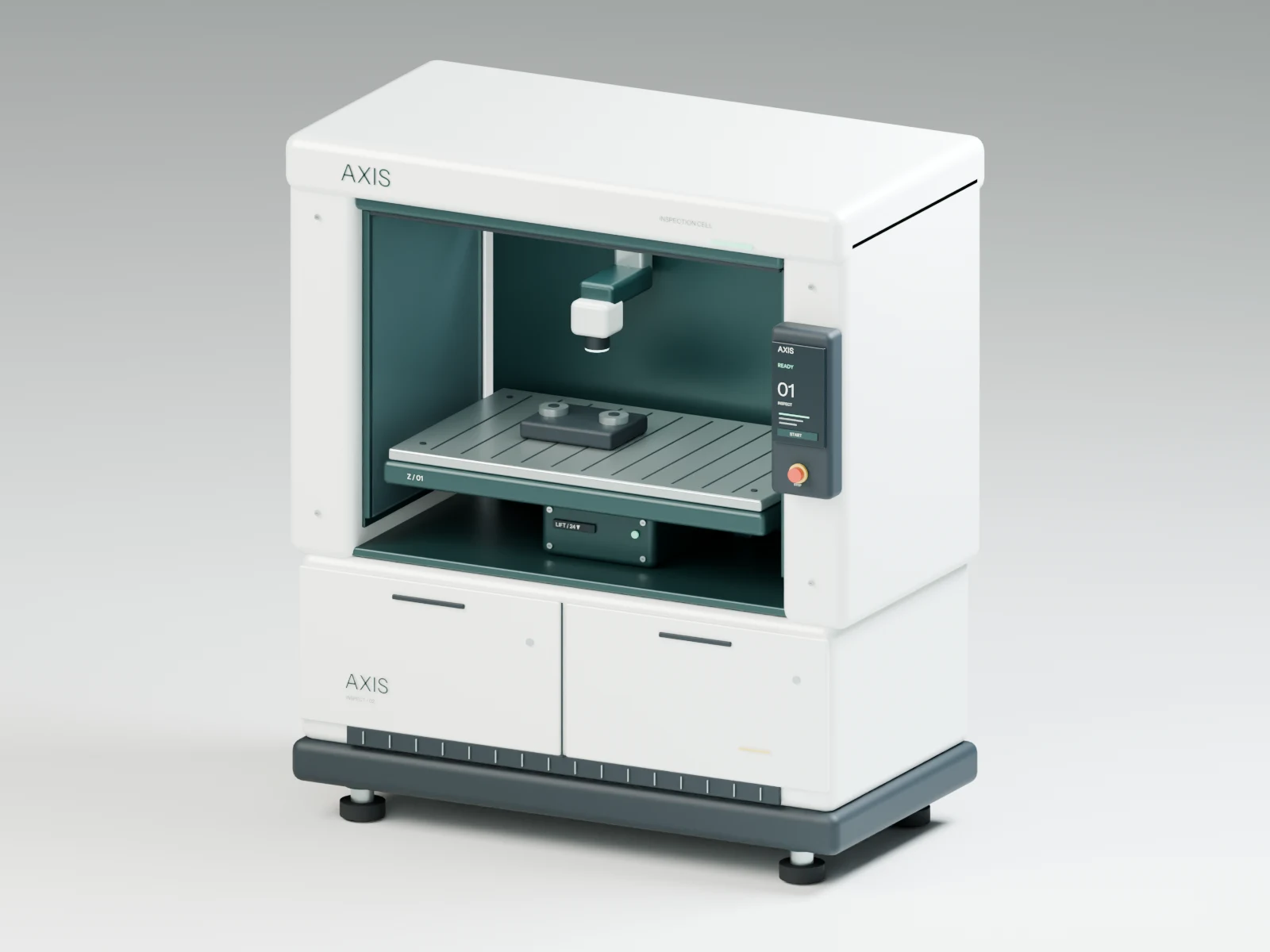 INSPECT / 02 Explore in 3D ↗
UNIT / VERIFIED
SCAN / UNITQR → 3D → SERVICE
Loading the verified model…
Loading the verified model…
Diagnosis is blocked: the 3D model does not match the unit or the part is missing.
Highlighted component——
Drag to rotate. Scroll or pinch to zoom. On a phone, enable 3D gestures when you want to interact with the model.
Answer the visual checks permitted for an operator. If you cannot check safely, stop and submit that exact result.
Progress0 / 0
!TECHNICAL DEMO — the steps below are for authorised personnel only, after energy isolation and under the manufacturer-approved procedure.
Serial, issue, part and check result are filled automatically. Contact details never leave this demo page.
This is a local demonstration ticket. In the delivered product, the flow connects to the client’s email, CRM or ticketing system.
Demonstration history linked to the unit serial, not live telemetry.
Service-record status, not live telemetry. Select a unit to open its passport.
0units
0local requests
0scheduled services
AXIS-WS-042Service required
Platform does not lift
AXIS-WS-019Maintenance due soon
Control panel is offline
AXIS-WS-077Operational
Noise while lowering
No unit matches this filter.
We connect your equipment model and documentation: customers identify the part, and technicians receive the issue with the checks already completed.